Template Literals in Javascript
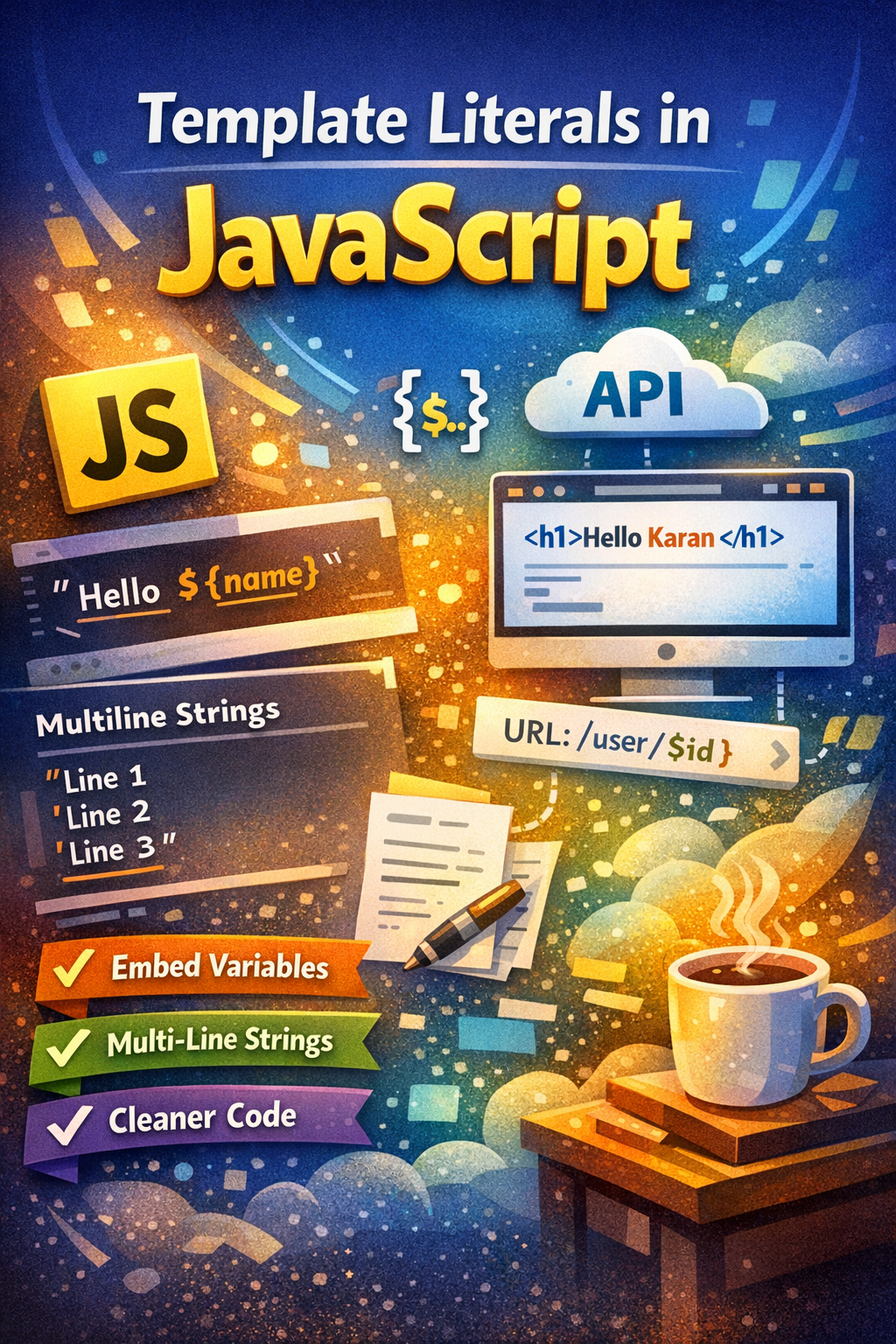
In this blog we are gonna learn about what is template literal and without template literals what are the problems.
Problem with traditional string syntax:
let name="karan"
let age=23
console.log("My name is name and my age is age"}

//Output
My name is name and my age is age
here i want to print a sentence in which i want that the word name refers to the variable name and age to variable age but strings with double quotes or single quotes get print as it is, we can not embed variables into the string and template literal solve this problem.
Template literals:
let name="karan"
let age=23
console.log(`My name is \({name} and my \){age} is age`}

//output
My name is karan and my age is 23
we use backticks for template literals and use dollar sign and wrap the variable inside curly bracket so now word name is refers to a variable . In this way we can embed a variable in a string.
Multi Line strings:
Another advantage of using backticks is that they allow a string to span multiple lines:
let guestList = `Guests:
 * John
 * Pete
 * Mary
`;

console.log(guestList)
Output:
Guests:
 * John
 * Pete
 * Mary
we can't do this using double quotes or single quotes .
const guestList="Guests:
* John
*Pete "
Ouput:
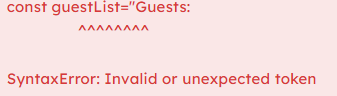
But still using the special character we can create the multiline string with double quotes.
let guestList = "Guests:\n * John\n * Pete\n * Mary";
console.log(guestList)
Output:
Guests:
 * John
 * Pete
 * Mary
Use Cases in Modern JavaScript:
- Dynamic HTML
let name = "Karan"
let html = <h1>Hello ${name}</h1>
Used heavily in:
React (JSX concept similar)
Frontend rendering
2. API Responses / Logs
let user = "Karan"
console.log(User \({user} logged in at \){new Date()})
3. Creating URLs
let id = 101
let url = `https://api.com/user/${id}`
4. Expressions inside strings
let a = 5
let b = 10

console.log(`Sum is ${a + b}`)
Output:
Sum is 15
Conclusion
Template literals make working with strings in JavaScript much easier and cleaner.
They allow you to:
Embed variables directly using
${}Write multi-line strings without extra characters
Improve code readability and maintainability
